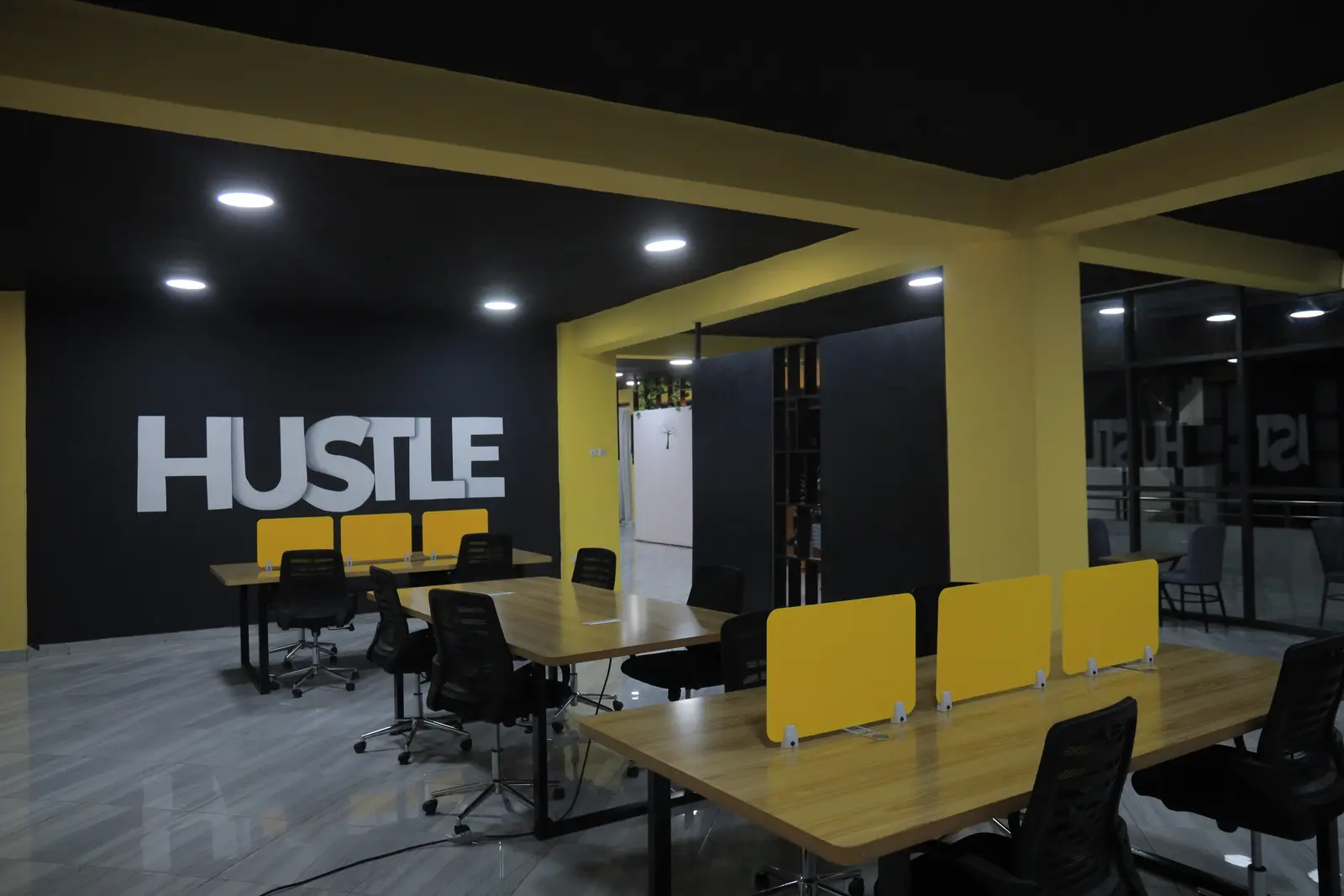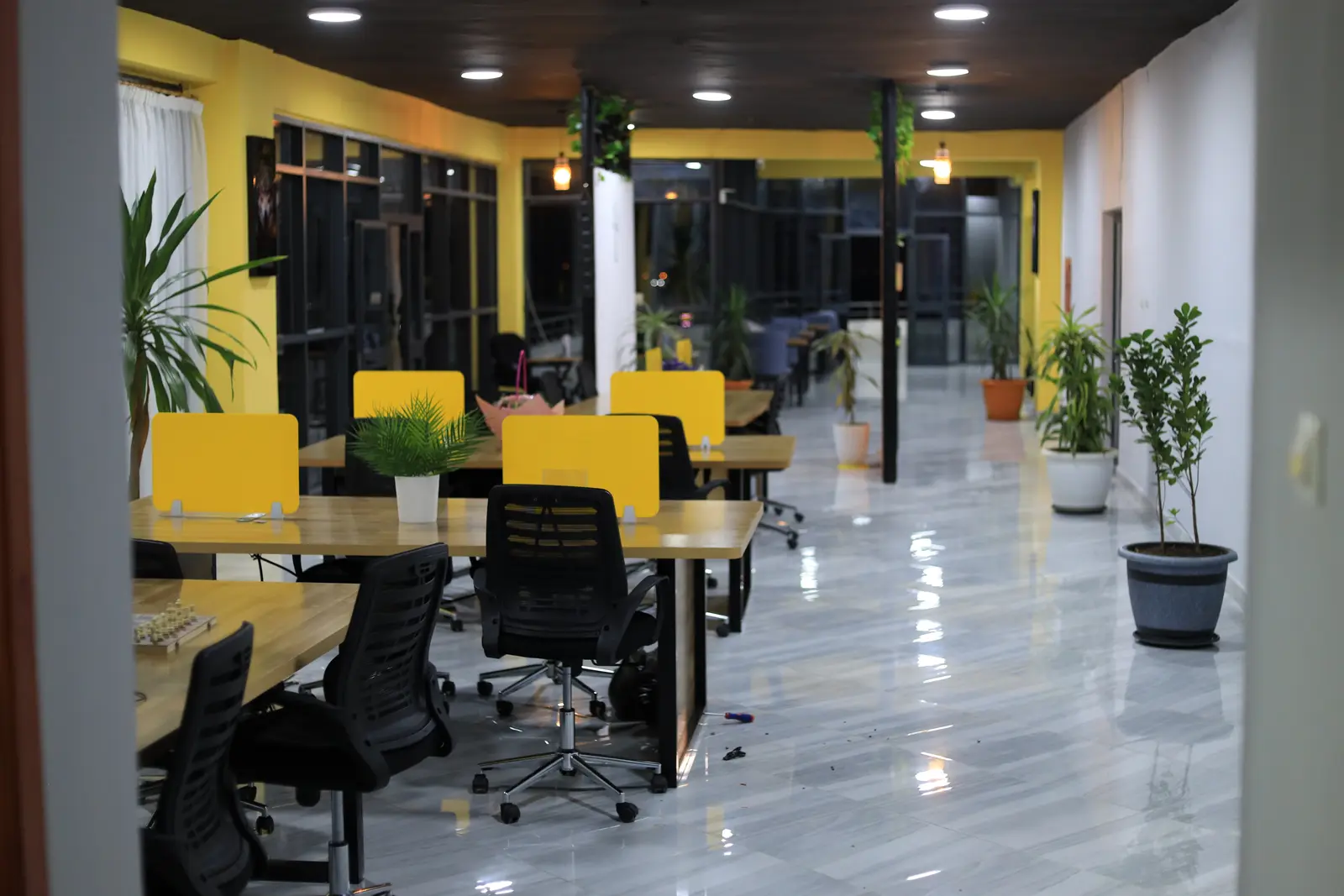
The co-working floor at Ethio CS Hub, with yellow desk dividers and the HUSTLE wall

Piazza · Nib Bank Building, 11th floor · Hawassa

Work, meet and create in the heart of Hawassa

A co-working floor, a meeting room and a production studio on the 11th floor at Piazza. Booking opens soon — leave your email to join the waitlist.

Included in the Spaces

  • Fast Wi-Fi
  • Ergonomic chairs
  • Power at every seat
  • Presentation screen
  • Whiteboard
  • Video-call setup
  • Lights
  • Camera
  • Microphone
  • Sound card

The Spaces

Choose your space

Three ways to work, on one floor. Every price is shown in birr, in full, before anyone books.

  • Rows of co-working desks with yellow dividers and plants
    per table per day

    Co-working

    A shared room of 50 numbered desks, with fast Wi-Fi, ergonomic chairs and power at every seat.
    • Fast Wi-Fi
    • Ergonomic chairs
    • Power at every seat
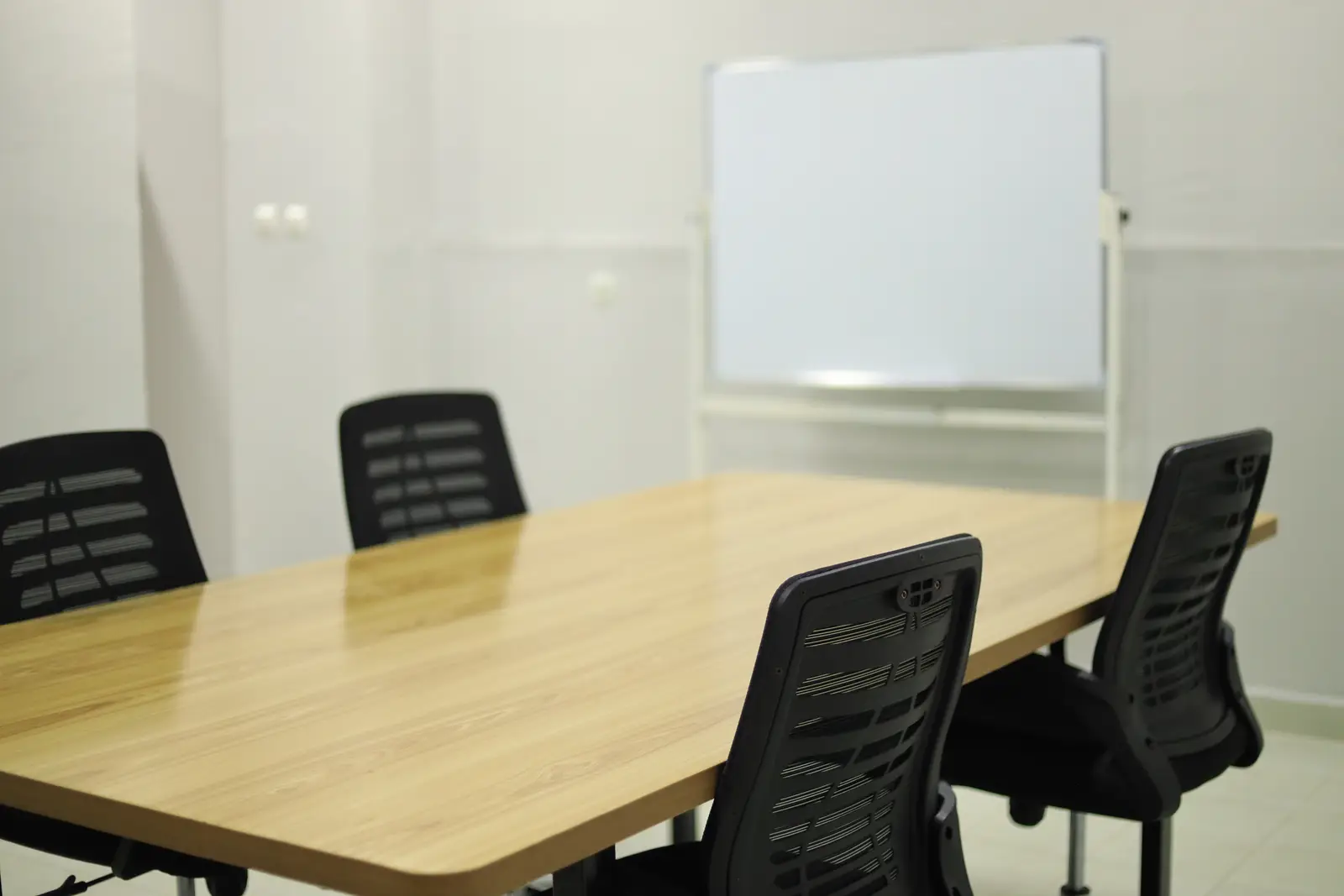
  • The meeting room with chairs around the table and a whiteboard
    per hour

    Meeting room

    A conference room for teams, with a presentation screen, a whiteboard and a video-call setup.
    • Presentation screen
    • Whiteboard
    • Video-call setup
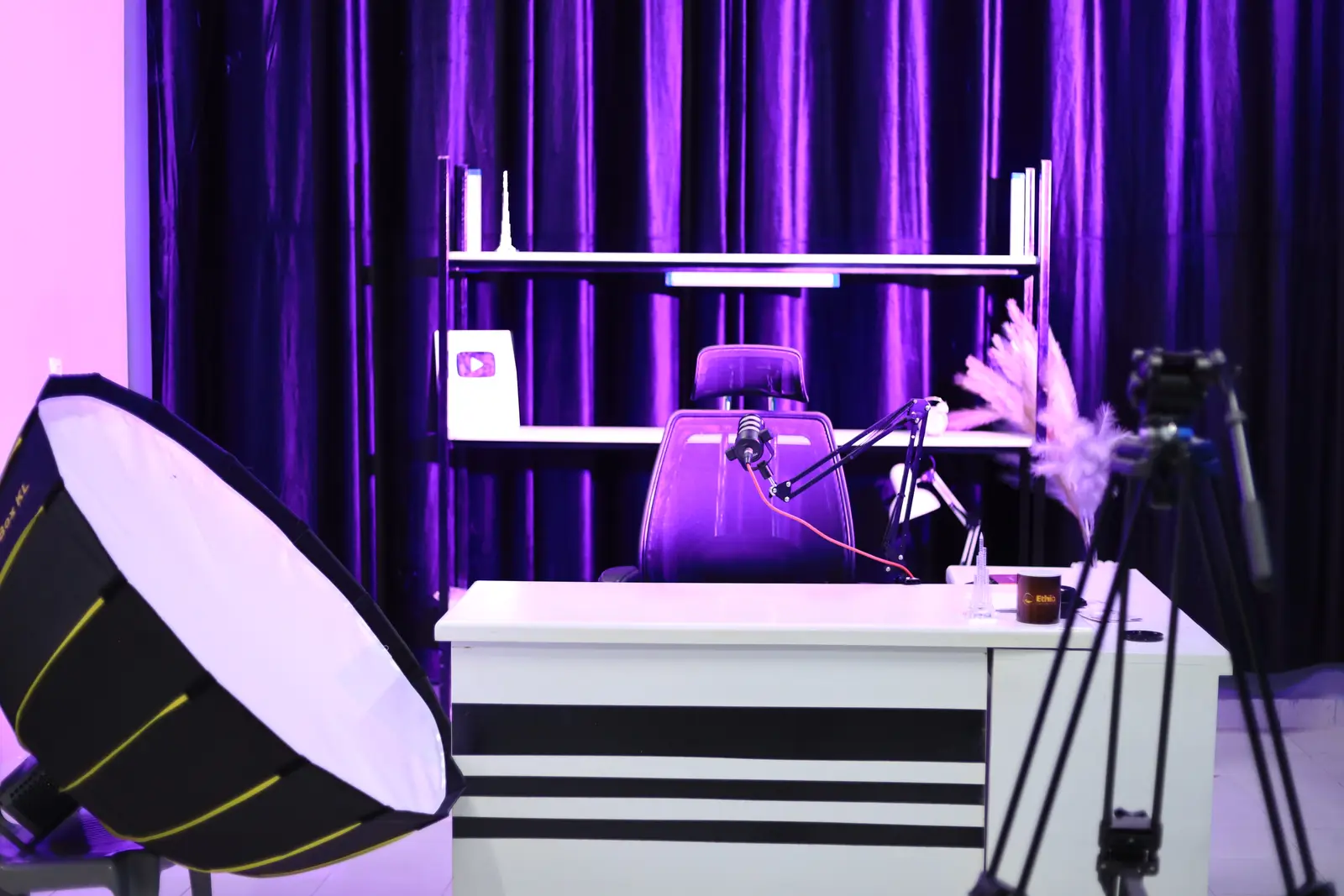
  • The production studio lit in purple, with a desk, microphone and softbox
    per hour

    Production studio

    A professional photo and video studio with lights, a camera, a microphone and a sound card.

    • Lights
    • Camera
    • Microphone

From your phone to your table

How it works

This is how booking works once it opens — five steps, all on your phone.

  1. 1

    Choose your day and table

    Pick a day on the calendar, then the exact numbered table on the floor map — or a start time for the meeting room or the studio.

    Co-working

    • Mon5
    • Tue6
    • Wed7
    • Thu8
    • Fri9
    • Sat10
    91011121314151617181920

    Table 14 chosen

  2. 2

    Held for you

    What you pick is held for 15 minutes while you check out. Nobody else can take it.

    15 min

    Table 14 is yours for now

    Held while you check out

  3. 3

    Pay in birr

    Pay the total you saw from the start, in birr, in one of the ways checkout offers. No international card needed.

    Checkout

    Total

    In birr

    • Pay online
    • Bank or mobile-money transfer
    • Your Credit

    Checkout shows only the ways the hub offers.

  4. 4

    Confirmed

    Your booking is confirmed with a six-character reference, kept in your account.

    Confirmed

    Reference

    K7M3QH

    An example booking

  5. 5

    Walk in and work

    Give your reference at reception and sit down at your table.

    Ethio CS Hub booking

    Table

    14

    Day

    Mon, Oct 5

    From

    07:00

    Reference

    K7M3QH

    Give your reference at reception.

The floor

Pick your exact table

All 50 tables on the floor have a number. When you book co-working, you choose the exact one — on this map.

A table you can pick

Your table (Table 14 as an example)

The map shows the layout only — which tables are free is shown when you book.

WindowWindowEntranceEntranceReceptionReceptionTable 11Table 22Table 33Table 44Table 55Table 66Table 77Table 88Table 99Table 1010Table 1111Table 1212Table 1313Table 14, shown as an example14Table 1515Table 1616Table 1717Table 1818Table 1919Table 2020Table 2121Table 2222Table 2323Table 2424Table 2525Table 2626Table 2727Table 2828Table 2929Table 3030Table 3131Table 3232Table 3333Table 3434Table 3535Table 3636Table 3737Table 3838Table 3939Table 4040Table 4141Table 4242Table 4343Table 4444Table 4545Table 4646Table 4747Table 4848Table 4949Table 5050

For Ethio Computer School students

A free co-working table, every day

When booking opens, paid Ethio Computer School students get one free co-working table a day — confirmed with the school by your email, no forms.

Join the waitlist

Inside

Real photos of the hub — the co-working floor, the meeting room and the studio.

Questions

Good to know

  • What happens when I join the waitlist?

    Your email goes on our list for Ethio CS Hub's opening. We use it only for news about the hub.

  • How do I pay?

    In birr: online, by bank or mobile-money transfer, or from your Credit — whichever checkout offers. A transfer is checked and confirmed for you.

  • Can I cancel?

    Yes, under clear rules you see before you confirm. What you get back goes to your Credit, ready for your next booking.

  • I study at Ethio Computer School. Is co-working free?

    If you are a paid student, one co-working table a day is free. Check your status in Settings after you sign in.

  • Why do you ask for my phone number?

    Reception uses it to find your booking and to reach you about it. We never share it, and it is stored encrypted.

Join the waitlist

Be the first to know when Ethio CS Hub opens

An Ethiopian mobile — we use it only to reach you about Ethio CS Hub's opening.

We use your email only for news about Ethio CS Hub.